
Your business name, your logo, your availability - on a page you control
Your online booking page shows your contractor business name, logo, service area, appointment types, and availability, so prospects can schedule without calling.
Share your booking link on your website, business card, or text it after canvassing. Flash the QR code at the door. Prospects pick a date and time from your availability, fill in their details, and the appointment lands on your Google or Zoho Calendar and in your CRM pipeline - automatically.
Set it up once - prospects book themselves from then on.
Toggle the days and hours you're free for estimate appointments. Set time zone, slot length (15 min to 2 hours), buffer between appointments, and appointment types - phone, video, on-site, or in-person. One-time setup.
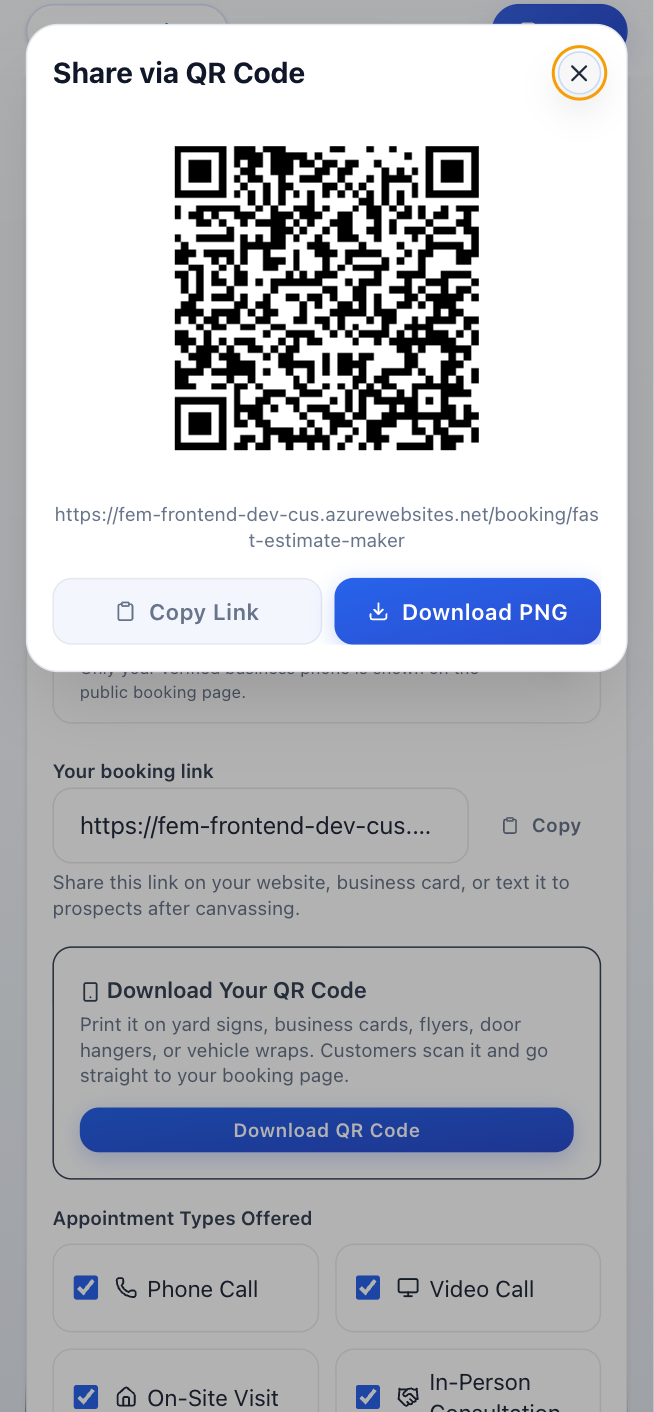
Copy your unique booking URL and put it everywhere - website, Google Business profile, business cards, text messages, truck wrap. Download the QR code for flyers, door hangers, or flash it on your phone at the door.
The prospect picks a date, time, and appointment type, enters their info, and confirms. You get an SMS and email; they get a confirmation with an "Add to Calendar" button. The appointment lands on your Google or Zoho Calendar and shows up as a new lead in your CRM.
Share booking pages, QR codes, calendar sync, appointment types, and pipeline handoff from one booking flow.
Your online booking page shows your contractor business name, logo, service area, appointment types, and availability, so prospects can schedule without calling.
Put the booking link or QR code on your website, Google Business Profile, business cards, flyers, yard signs, door hangers, truck wrap, or canvassing follow-ups.
Every booking creates an event on whichever calendar you set as active - Google or Zoho - with customer details, address, job notes, and appointment type. Busy time from that active calendar blocks slots so open times stay accurate automatically.
Each appointment becomes a lead in your CRM pipeline, ready for estimate notes, AI quote creation, follow-up tracking, invoicing, and payment.
Offer phone calls, video calls, on-site visits, or in-person consultations with your own hours, slot length, buffer time, and time zone.
The moment a customer accepts or signs, they can schedule the job itself - no phone tag. Your calendar drives the open days, the booking is sized to the job you quoted (morning or afternoon arrival for single-day work, a start date for multi-day projects), and the appointment lands on your connected calendar with reminders handled.



They open your booking link, choose an open time, enter contact and job details, and confirm the appointment.
Yes. As soon as a customer accepts or signs an estimate, they can pick the job's start date from your live calendar. The booking is sized to the job - single-day work books a morning or afternoon arrival window, multi-day projects book a start date - and it lands on your connected calendar with reminders included.
You can connect either Google or Zoho Calendar. The one you set as active powers availability, prevents double-booking, and receives confirmed appointments.
Yes. You can connect Zoho Calendar from My Business and set it as your active calendar. Booking availability, confirmed appointments, estimate appointments, and task reminders all use it - the same way Google Calendar works.
Yes. Set available days, start and end times, slot length, buffers, appointment types, and time zone.
No. Online booking is included in the $29.99/month plan with unlimited bookings.
Yes. Send the booking link or show the QR code at the door so interested homeowners can self-schedule.
Yes. The confirmation includes an Add to Calendar file for Google Calendar, Apple Calendar, Outlook, and other calendar apps.
Yes. When a prospect opts in to texts on your booking page, FastEstimateMaker automatically reminds them the day before and the morning of the appointment, so fewer of them forget or no-show. You can turn appointment reminders on or off in Settings.
Stop losing jobs to voicemail. Share your booking link and let prospects schedule themselves from the job site.
Take bookings freeNo credit card required. Setup takes 2 minutes.