
Your estimate already has every line item - why type it again?
Convert an accepted contractor estimate into a branded invoice with the same customer, line items, quantities, pricing, tax, and total already filled in.
Convert any accepted estimate to a branded invoice with one click. Send it via text, let customers pay online with Stripe or Square from their phone - or tap PayPal or Venmo if you have PayPal Business connected - and set a deposit, progress-payment, or final-payment schedule right when you create the invoice. No chasing checks.
The fastest way for contractors to convert accepted estimates into revenue.
Customer accepts your estimate? Tap "Convert to Invoice." All line items, pricing, and customer info transfer automatically. No re-typing, no separate invoicing tool.
Send the invoice via text message - your customer gets a branded link to a payment page with your logo, their invoice details, and a "Pay Now" button. Clean, professional, mobile-optimized.
Customer pays with credit card or debit card through Stripe or Square. Need a deposit now, a progress draw mid-job, and the balance at completion? Set that payment schedule on the invoice. Money hits your account, and the invoice updates automatically. Paid in full? FastEstimateMaker can automatically text the customer a Google review request using your Google review link - so a finished job turns into a Google review.
Once the invoice is paid, job costing shows your true margin on the same job - revenue minus the receipts, labor, and subs you recorded.
Job changed after they signed? A signed change order flows into the invoice on its own. Removed work comes off the remaining balance, starting with the final payment, and anything already paid stays paid.
Convert estimates to invoices, text payment links, accept online payments, and follow up automatically.
Convert an accepted contractor estimate into a branded invoice with the same customer, line items, quantities, pricing, tax, and total already filled in.
Connect Stripe, Square, PayPal, or Venmo so customers can pay online from one mobile payment page without mailing checks or creating an account.
Text the invoice link after the job, deposit request, progress draw, or final payment. Customers open it on their phone and pay by card, debit, PayPal, or Venmo.
Automated SMS and email payment reminders cover upcoming, due-today, and overdue invoices while respecting customer communication settings and consent.
Track paid, viewed, sent, and overdue invoices, then export CSV reports or sync paid invoice data to QuickBooks Online or Wave Accounting.
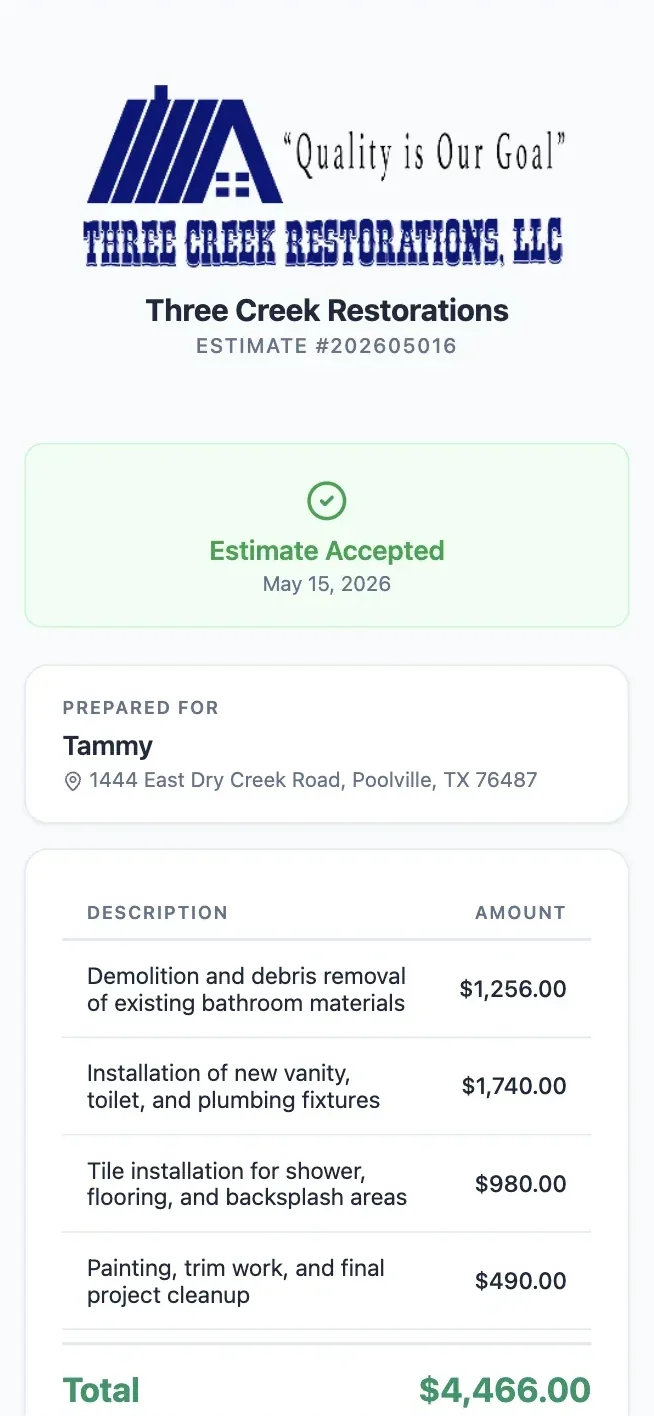

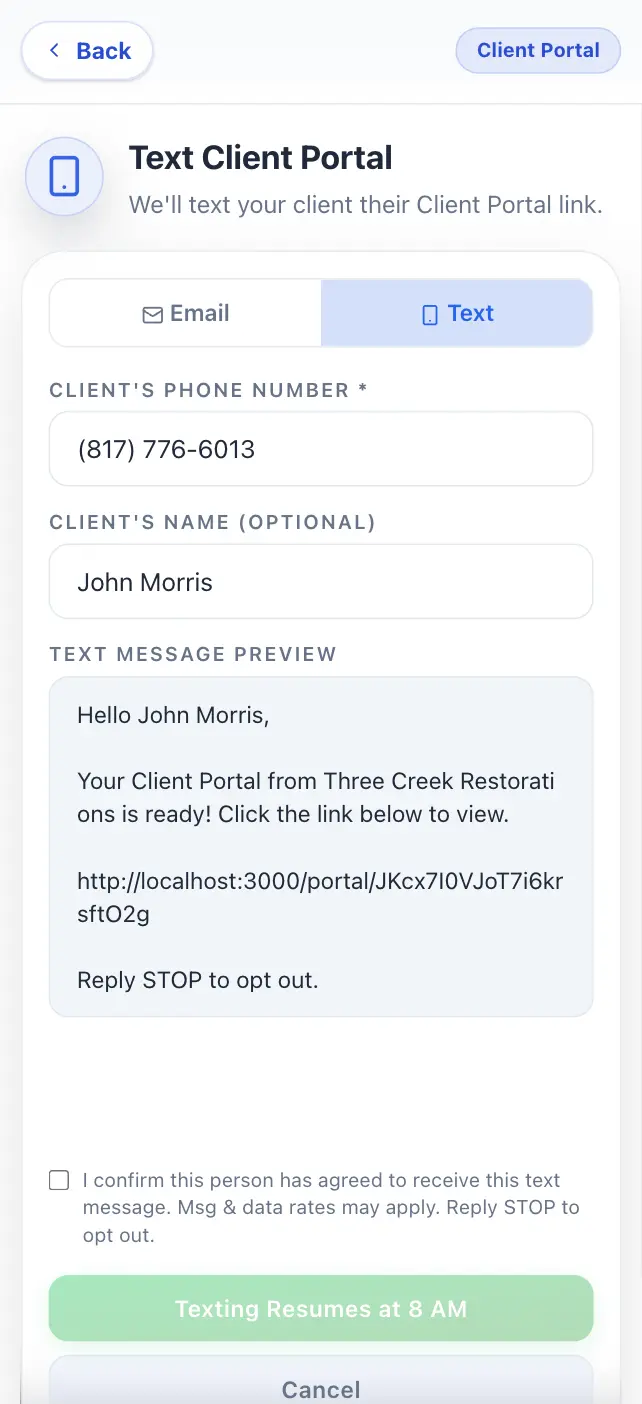

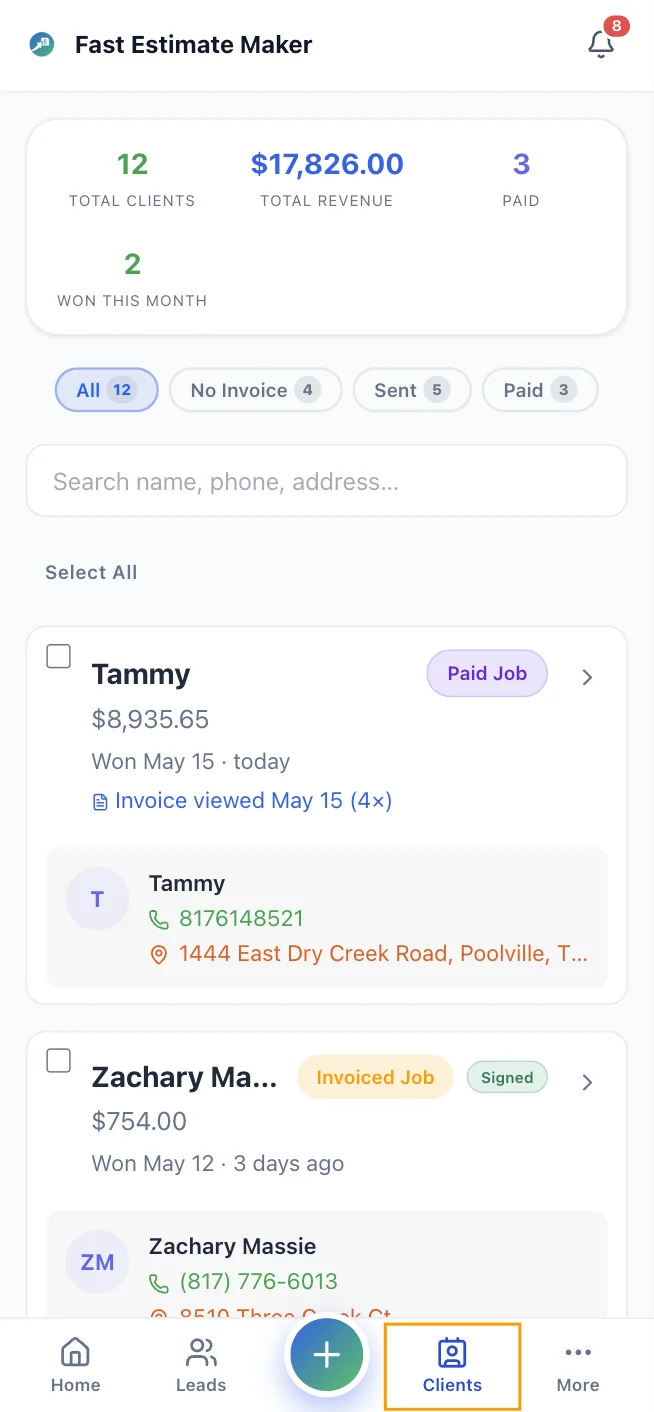
Convert an accepted estimate to an invoice and the customer, line items, pricing, tax, and total copy over automatically.
Stripe, Square, PayPal, and Venmo can appear on the customer payment page depending on your connected accounts.
Yes. Set deposit, progress, and final-payment schedules with due dates on the invoice.
No. Customers get a text message with a link to your branded payment page. They tap the link, review the invoice, and pay - all in their mobile browser. No app download, no account creation.
Yes. Your dashboard shows every invoice with its status - sent, viewed, paid, or overdue. You get a real-time notification when a payment is received, and paid invoices are marked automatically.
Yes. SMS and email payment reminders can cover upcoming, due-today, and overdue invoices when communication consent is available.
Yes. Export invoices as CSV or sync paid invoice data to QuickBooks Online or Wave Accounting.
Yes. Add your Google review link once, and when an invoice is paid in full FastEstimateMaker can automatically text the customer a Google review request - with their consent and inside texting quiet hours. You can also send the request manually from the customer's record.
Convert estimates to invoices in one tap, set deposit-progress-final schedules, and collect via Stripe or Square. Try FastEstimateMaker free.
Send your first invoiceNo credit card required. Setup takes 2 minutes.